
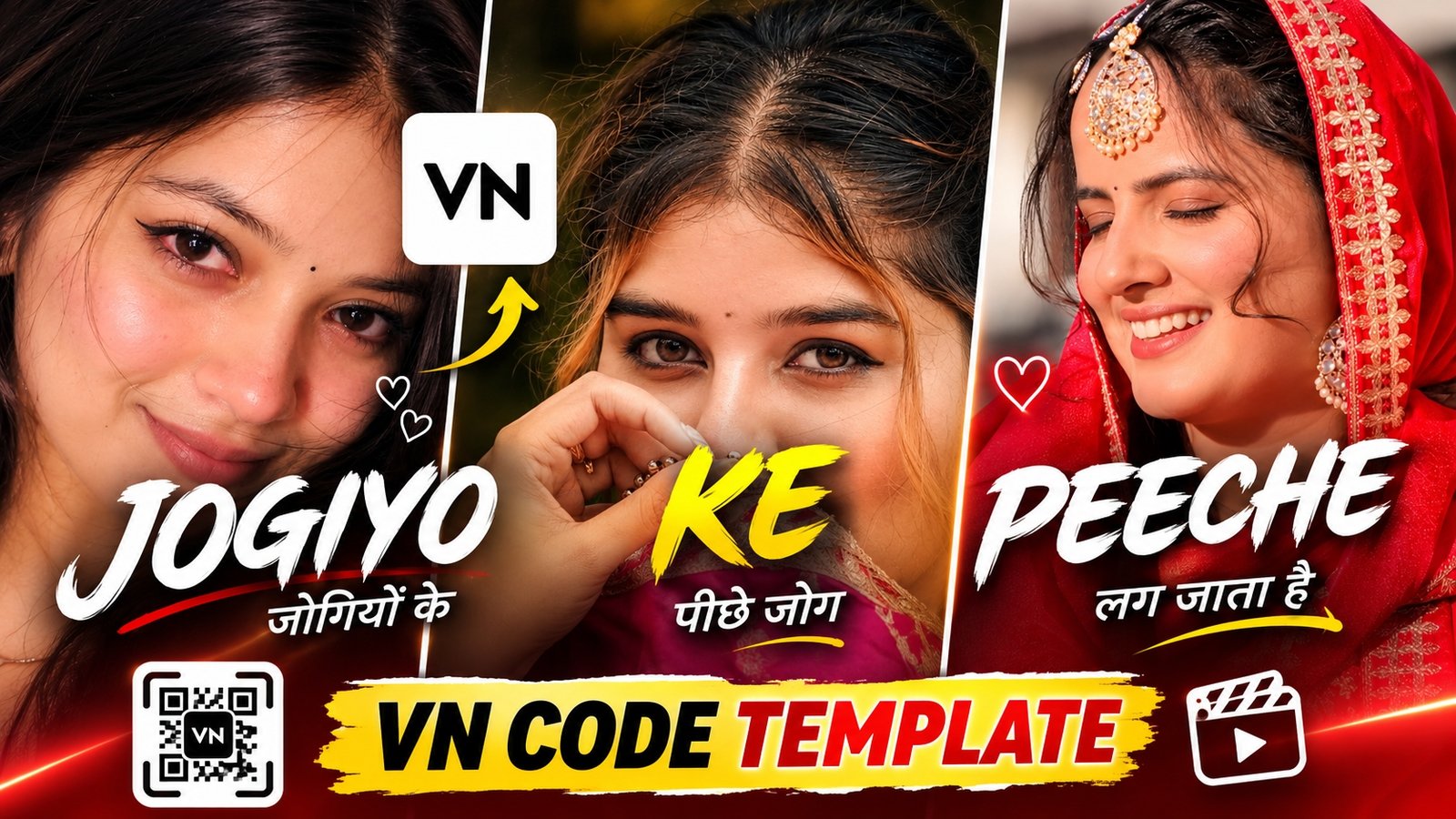
Jogiyo Ke Piche Jog Lag Jata Hai VN Template – If you want to create an amazing Instagram Reel using a simple photo, this edit could be a great choice for you. It features a text-based lyrics style in which the song lyrics appear on the screen in different fonts and styles. The photos change according to the beats of the music, while the text animations add a unique touch to the video. Creating this type of edit manually can be time-consuming, but the VN QR code makes the process much easier. Simply add your photos, and you can create an attractive video in just a few minutes.
About Of Jogiyo Ke Piche Jog Lag Jata Hai VN Template
One of the best features of this video is its unique text-lyrics style, which makes it different from other Reels. At first, the lyrics appear over the photo in an attractive font. As the song progresses, the text design and animations change. The entire edit looks fantastic, with each line appearing on the screen in sync with the rhythm of the song. If you want to add lyrics and elegant effects like these to your photos, you can use a VN Editor QR code. It comes with pre-configured editing effects that allow you to create an attractive Reel using your photos without much effort.
Latest Jogiyo Ke Piche Jog Lag Jata Hai Viral Reels Trend
Short videos featuring on-screen text and music are becoming increasingly popular on social media. They create a unique mood and attract viewers’ attention. One of the latest trends gives special importance to text design and animation, with each new line appearing on the screen in a unique style. The background image and colour combination make the video even more attractive. If you also want to create something unique for your Instagram account, you can use a ready-made VN template. You don’t need to create everything from scratch because the basic editing setup is already available.
Viral Jogiyo Ke Piche Jog Lag Jata Hai VN QR Code
If you are tired of adding effects to your videos and adjusting the timing of your photos, the VN QR code method can make the process much easier. Most of the editing work is already done for you, so you don’t need to configure everything from scratch. Simply save the correct QR code to your phone and open the scanning option in the VN app. Then, select the photos you want to use and add them to your project. Finally, check the preview to make sure all the photos appear in the correct positions. If everything looks good, export the video in high quality.


How You Can Use Jogiyo Ke Piche Jog Lag Jata Hai VN Template
Creating a Reel using this QR code is very easy. First, open the VN Video Editor app on your phone. Then, save the QR code provided below to your device. Next, open the scanning option in the app and scan or import the saved QR code. Once the project opens, select some great photos from your gallery and add them to the project. Now, play the entire video and check whether all the photos appear in the correct positions. Once everything looks good, tap ‘Export’ and save the video in 1080p resolution. Finally, you can share your new Reel on Instagram.
Make Stunning Instagram Reels With Smooth Transitions
On Instagram, Reels with scene transitions at just the right moment tend to stand out. If you want to make your video more distinctive, adding subtle zoom and slide effects to your photos can work really well. Especially when the song’s beat becomes faster, changing photos in sync with the rhythm gives the entire edit a unique look. Make sure your outfits and poses look good in all the photos. Instead of using overly bright or flashy filters, try to keep the colours natural. This will give your Reel a clean and polished look that viewers are likely to appreciate.
Scan VN QR Code To Create Your Trending Video
If you want to create a great video using your photos on your mobile phone with minimal effort, you can try this method. First, download the VN QR code and save it to your gallery. Then, use the scanning feature in the VN app to import it. This will open a ready-made project where all you need to do is add your own photos. For better results, choose pictures taken in different locations and featuring different poses. Once the video is ready, watch the entire video and make any necessary changes. This will help your Reel reflect your personal style.
Conclusion
So, you can now create an impressive text-based lyrics video using your mobile phone. In this new VN project, the song lyrics are displayed creatively, giving the final video a professional appearance. All you need to do is select the right photos and add them to the ready-made template; the remaining edits will be applied automatically. I hope this method is helpful to you. If you are satisfied with the video you have created, be sure to post it on Instagram and share it with your friends.