Gazab Ke Rog Jawani Mein CapCut Template – Hey! An entertaining video edit featuring a Bhojpuri song in the background is going viral on Instagram. Many people are using this editing style to create Reels in their own unique way. If you also want to create an amazing video like this, you don’t need to spend hours editing. In this post, I have shared an easy method that you can use to create your own video in just a few clicks. So, let’s see how to use this viral CapCut template.
VIEW TRENDING CAPCUT TEMPLATES
Details Of Gazab Ke Rog Jawani Mein CapCut Template
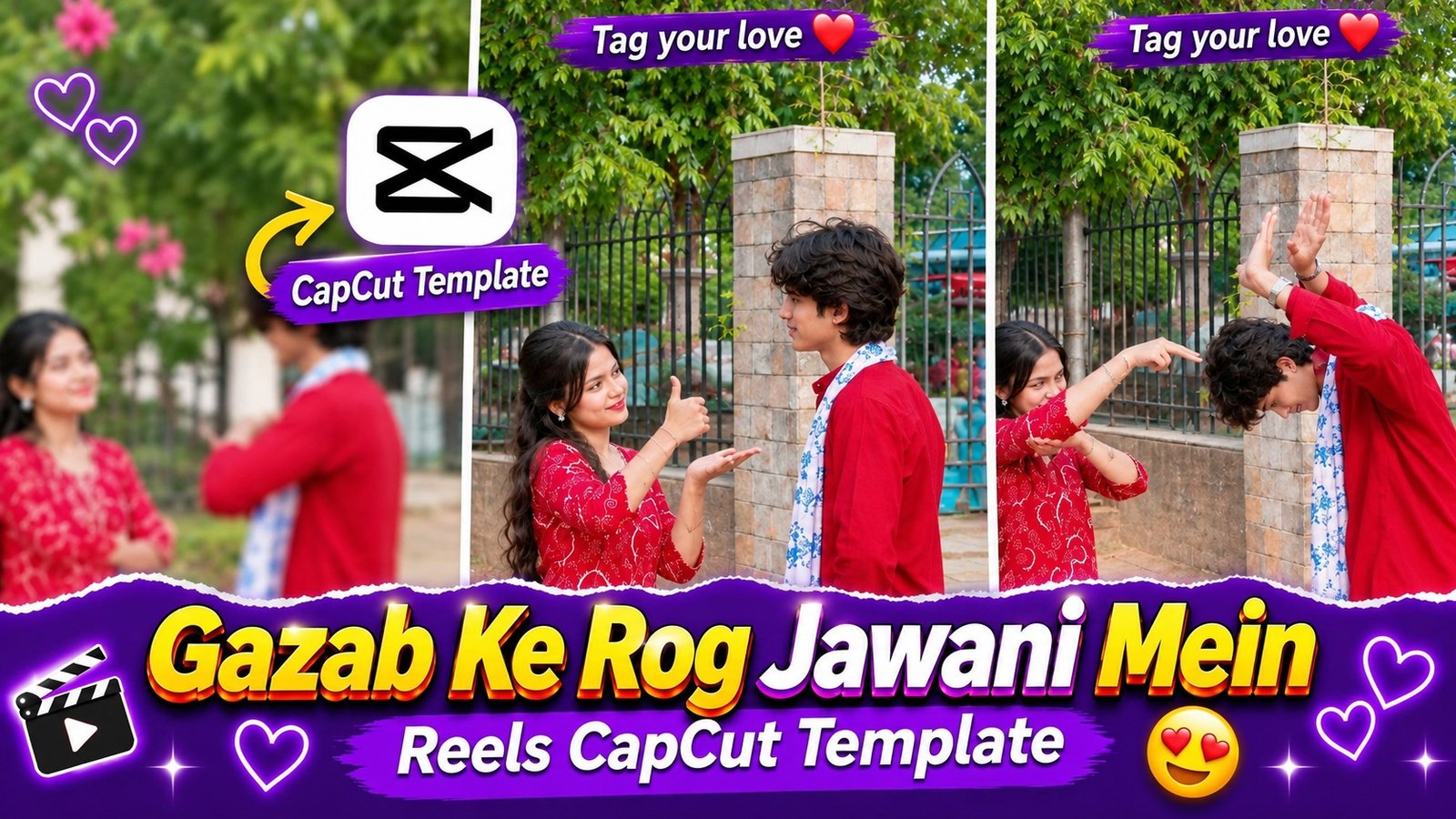
Hey! Nowadays, funny Reels featuring this Bhojpuri song are becoming very popular on Instagram. The video starts with a boy and a girl playfully teasing each other. They both make funny poses with their hands raised, while the girl makes a playful gesture as if she is about to smack the boy. As the music changes, the video transitions to beautiful romantic moments between the two. The smooth transitions, impressive effects, and perfectly synchronised music make the entire edit more entertaining. If you also want to create a similar Reel with your partner, you can use the CapCut template shared here and put together your video in just a few minutes.
Latest Gazab Ke Rog Jawani Mein Instagram Reels Trend
Hey! You may have come across this Bhojpuri song Reel on Instagram. Over the past few days, people have been creating entertaining videos with their partners using this song. What’s great about this trend is that it isn’t just about romance; it also includes a touch of mischief and lighthearted humour. As soon as the song begins, the couple’s playful acting creates such an entertaining atmosphere that you will want to watch the video until the end. As the song continues, some lovely moments between the couple follow. If you are also thinking of trying this new trend, you can create your own video edit using the link provided below.
New Viral Bhojpuri Song CapCut Template
Friends, if you enjoy creating Reels using Bhojpuri songs, I have a great CapCut template for you. You won’t have to worry about adding effects manually or adjusting the video timing because everything is already set up. Simply shoot a few short clips with your partner, capturing some fun and playful moments as well as romantic ones, and add them to the template. The scene transitions and effects will be applied automatically in sync with the song. The best part is that you don’t need advanced editing skills to create this video. So, if you also want to create a Reel based on this Bhojpuri trend, you can find the template link below.
Create Funny And Romantic Couple Reels with CapCut
Nowadays, couples enjoy creating Reels that make people smile. You, too, can film a short, funny scene with your partner. For instance, you could start with some playful banter about a pair of slippers, followed by a sudden change in mood. When this kind of acting is combined with a Bhojpuri song, the final video becomes even more entertaining. You don’t need to spend hours editing on your phone. CapCut offers ready-made templates, so you simply need to add your own video clips and you’re all set. Just make sure your fun personality comes through in every scene. That’s what will make the Reel enjoyable for viewers.

Step-by-Step Guide Gazab Ke Rog Jawani Mein CapCut Template
Friends, now let’s discuss how to create a Reel using Bhojpuri music on your mobile phone. You don’t need any advanced editing skills to do this. Here is a complete guide to creating your own video in just a few minutes. Simply follow these steps.
-
First, install the CapCut app on your phone. If it is already installed, open it.
-
Now, tap the ‘Template’ button provided below in this article.
-
After that, the template will open in CapCut. Select the ‘Use Template’ option.
-
Next, select the recorded video clips of the boy and girl from your gallery.
-
After adding all the clips, tap ‘Preview’ to see how your video looks.
-
If everything looks good, tap ‘Export’ to save the video in HD quality.
-
That’s it! Your Reel is now ready. You can upload it to Instagram and join this Bhojpuri trend.
Make Your Couple Videos More Funny And Attractive
If you want to create funny and romantic videos with your partner, you should definitely try this editing style. Start by recording a light-hearted, funny scene, followed by some lovely romantic moments together. Remember that both of you should act naturally while recording the video because facial expressions play an important role in this type of Reel. Also, don’t forget to add your own personal touch to make your video stand out from the rest. This way, you can create a wonderful Reel with your partner.
Add Your Favorite Clips With Perfect Music Timing
Friends, when creating Bhojpuri Reels like this, remember one important thing: your video clips should match the song perfectly. Sometimes, we manage to record great video clips, but if the scenes don’t change in sync with the music, the final edit may not look as good as expected. So, listen to the song carefully first and then choose your clips accordingly. However, you don’t need to do much editing because the music timing is already set in this CapCut template. You simply need to add your own recordings in the correct positions, and the remaining editing will be handled automatically.
Final Takeaway
Well, that’s it, folks, for today! Now you can also try this entertaining Bhojpuri trend and create an amazing Reel. The template I’ve shared in this post is incredibly easy to use. Simply select a few of your favourite video clips, add them to the template, and see how your video turns out! I hope you find this information helpful. I’ll continue sharing trending CapCut templates with you. If you would like a template for another song, make sure to mention its name in the comments.