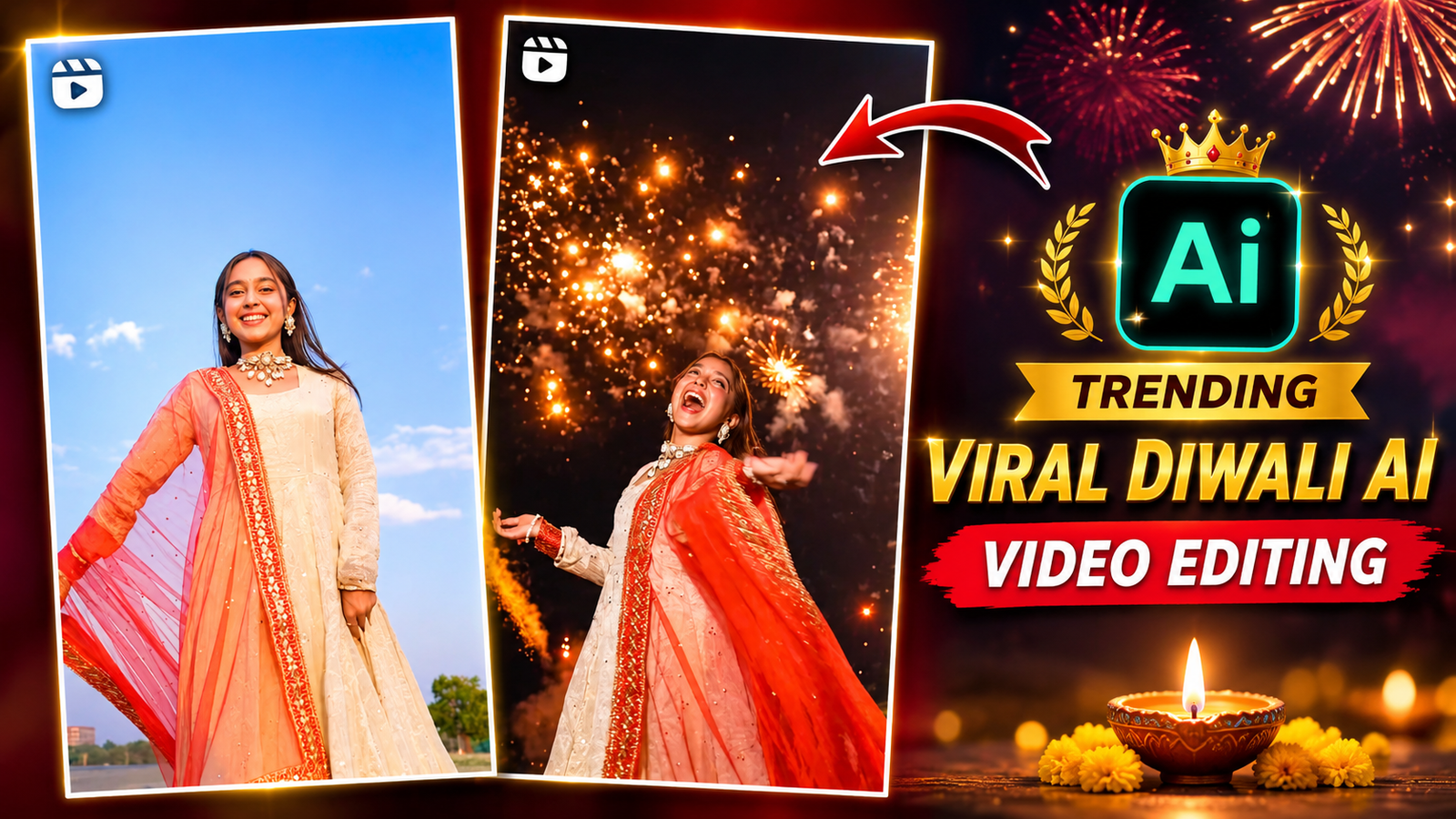
Diwali AI Video Editing Prompts – These days, AI-generated Diwali videos are becoming popular on Instagram. In these videos, a girl first appears wearing simple clothes. She then covers the camera with a twirling dupatta (scarf), and in the next moment, she appears in a stunning traditional outfit. Colourful lights in the background, glowing diyas, and fireworks in the sky make the entire scene look truly spectacular. The best part of this trend is that you don’t even need to record a video yourself. With just one photo, a reference video, and the right AI tool, you can create a beautiful festive video.
What Is Diwali AI Video Editing
Here is a unique way to transform your ordinary photos into a stunning festive video for the special occasion of Diwali. This technique uses AI to add motion to your photos, change outfits, and create beautiful background effects. The videos can feature glowing diyas, colourful decorations, and fireworks lighting up the night sky. The best part is that you can create a personalised festive video without needing any professional video-editing skills.
Best Diwali AI Video Editing Prompts
If you want your Diwali Reel to stand out from others, a well-written prompt can be very useful. You can guide the AI to create effects in your images, such as natural expressions, smooth camera movements, and stylish outfit transformations. I’ve included some useful prompts below to help you create stunning personalised festive videos.
Trending Diwali AI Video Prompts Copy and Paste
The following prompts will be helpful if you want to create something special for Diwali. Simply enter your chosen prompt into your favourite AI video-generation tool and upload your own photos. With minimal effort, you can create beautiful Reels featuring outfit transformations, cinematic lighting, and a festive atmosphere.
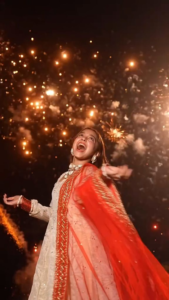
A serene scene featuring a single individual, whether a boy or a girl, dressed in traditional Diwali attire, standing in a calm evening atmosphere. After three seconds, they slowly turn around, revealing a spectacular view of colorful Diwali fireworks illuminating the night sky. Their face lights up with joy and excitement as they strike a celebratory pose. Women gracefully adjust their dupattas or sarees, while men strike confident, traditional poses. Capture the magical festive atmosphere with smooth cinematic movements, realistic expressions, and beautiful lighting.How To Create Diwali AI Videos Using Flow AI
If you want to create a beautiful Diwali video using Google Flow AI, the first step is to visit its website and sign in with your Google account. Next, create a new project and upload your photo. Copy and paste the prompt provided below into the appropriate field. Select the available settings and generate your video. Wait for the generation process to finish. Once the video is ready, preview it to check the results. If you are happy with the outcome, save it and share it on Instagram Reels.
Turn Normal Photos Into Beautiful Diwali AI Videos
Creating beautiful Diwali videos from your ordinary photos is now quite easy. You don’t need a professional camera or expensive editing tools. Simply choose a photo in which your face is clearly visible and use AI to add traditional outfits, stunning backgrounds, and realistic body movements. With a little imagination, even an ordinary photo can be transformed into a beautiful festive video.
Why Diwali AI Video Editing Is Going Viral
Social media users are enjoying new and creative content this Diwali. Quick outfit transformations and cinematic effects in videos are especially catching people’s attention. The best thing about these Reels is that they can deliver impressive results in a short time. That’s why many content creators are using this editing style to share festive videos on their Instagram accounts.
Tips To Create Realistic Diwali AI Videos
If you want your Diwali video to look realistic, start by choosing high-quality photos. Make sure your face is clearly visible and well-lit, and that the background is not too busy. Include details about body movements, facial expressions, and camera angles in your prompts. Ensure smooth transitions during outfit changes, and avoid using too many fireworks effects. These tips can help your video look more natural and professional.
Final Words
I hope this post helps you learn how to create a beautiful AI-generated Diwali video easily. Choose your favourite photo and use your creativity to make your Reel stand out. With the right prompt and a little imagination, you’re all set to create something special. If you found this article helpful, don’t forget to share it with your friends.