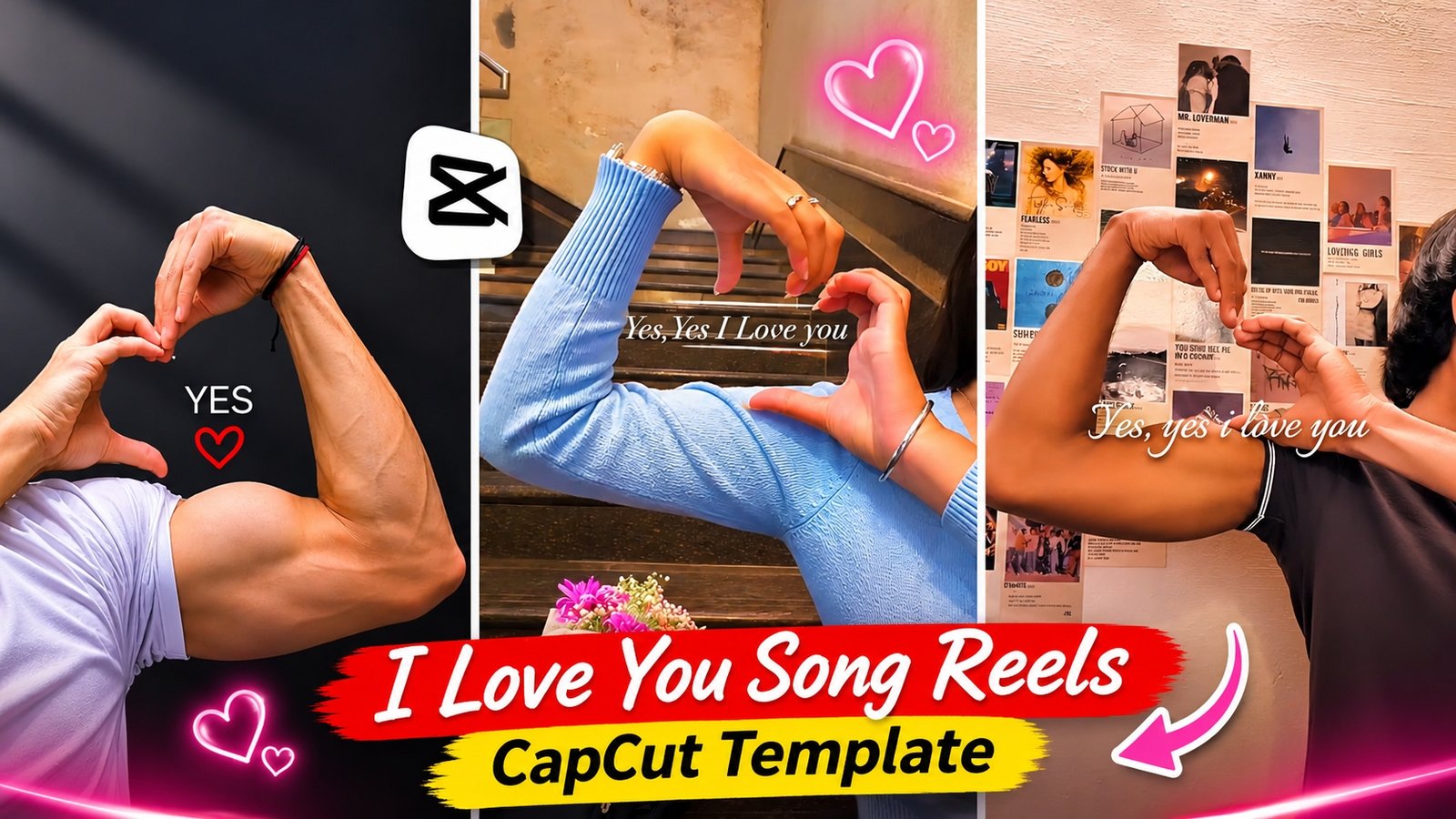
I Love You Song Reels CapCut Template – Currently, the song “I Love You” is becoming popular on Instagram, especially in Reels that express emotions beautifully without saying a word. So, if you want to create something special for someone you love, this CapCut template could be a great choice. It features a beautiful and romantic style, with lovely music that makes the entire video more appealing. The best part is that you don’t need to spend hours editing to create it. Just follow a few simple steps to try this new trend.
VIEW TRENDING CAPCUT TEMPLATES
Features Of Trending I Love You Song Reels CapCut Template
The simple and romantic style is the best feature of this template. In the video, a guy is standing in a room and making a heart shape with his hands. Various photos are hanging on the wall in the background. Soft golden lighting makes the entire scene look beautiful and appealing. Meanwhile, the words “Yes, yes, I love you” appear on the screen in a lovely cursive font. The hand movements match the rhythm of the song and blend perfectly with the text. There is no need for fancy effects because the real charm lies in the boy’s cute gesture and the way he expresses his affection.
Viral I Love You Song Romantic Reels Trend
People are finding new ways to express their affection on social media. Instead of simply creating videos using photos of themselves as a couple, more and more people want to express their feelings through simple and subtle gestures. In a similar type of Reel, you can make someone feel special by forming a heart shape with your fingers. A love song playing in the background makes the video even more romantic. This can be a lovely way to show someone that you care, especially if you’re a guy who isn’t comfortable expressing his feelings in front of the camera.
Create Beautiful Love Videos With CapCut
If you want to surprise your girlfriend in a special way, you can create a beautiful romantic video using CapCut. You don’t need an expensive camera or advanced editing skills for this. Simply record a short video on your mobile phone and make sure your facial expressions and hand movements are clearly visible. Then, apply your chosen CapCut template to the recording. Good lighting and a suitable camera angle can make your edit look even better. Once you’ve finished, you can share it on your Instagram Story or send it directly to your partner to express your feelings.
Give Your Special Moments A Lovely Editing Touch
Sometimes, you don’t need to write a long message to express your feelings to someone. Even a short video can bring a smile to their face. If you like, you can stand in a nice spot in your room and make a heart shape with your hands. After that, you can add a subtle colour effect and some stylish text to the video to give it a slightly cinematic look. Make sure there are no distracting objects in the background and that the camera remains steady so the focus stays on your expressions. This way, even a simple moment can become memorable.
Make Cute Couple Reels With Trending Music
If you want to turn the beautiful memories you share with your partner into a lovely Reel, you’re sure to appreciate this editing style. It allows you to showcase short video clips of the two of you along with a romantic song. The best part is that each scene changes in sync with the music, making the entire video look more appealing. You can choose a few of your favourite moments together to create a wonderful couple’s Reel for Instagram.
How To Use I Love You Song Reels CapCut Template
Nowadays, couples enjoy creating short videos with music to express their love. If you’d like to try something similar with your partner, why not try a fun idea this time? Stand together in front of the camera, make half a heart shape with your fingers, and then bring your hands together to complete the heart. Add a romantic song lyric to the video to make the scene even more special. You could also finish with a sweet smile or a cute expression. Such little surprises can bring a special kind of happiness to a relationship.
Add Your Favorite Clips For A Perfect Love Edit
If you want your Reel to stand out, select a suitable video clip from your gallery. Make sure your pose is clearly visible and the lighting is good. Then, import the video into CapCut and synchronise it with the music. If the hand movements in any part of the video don’t look quite right, it’s better to trim that section or use a different clip instead. Finally, watch the entire edit to make sure the on-screen text and your actions are perfectly synchronised.
Make Your Instagram Reels More Romantic And Stylish
You don’t always need excessive filters to make your romantic Instagram Reels look stylish. You can capture a beautiful video by setting up your camera in a softly lit room. Having a few photos or small posters on the wall in the background can further improve the overall look. Add white, cursive-style text to the video and time it to appear alongside meaningful song lyrics. This will draw viewers’ attention to your romantic gesture. Just try to keep things simple because sometimes, an edit with minimal effects is what truly wins hearts.
Export Your Beautiful Love Video In HD Quality
After finishing all your edits, make sure to check the video quality before saving it to your phone. In CapCut, you can choose 1080p resolution and 30 FPS from the ‘Export’ settings. This will help keep the video clear, including the small text displayed on the screen. If your original footage is of good quality, you can adjust the export settings accordingly. Once the video appears in your gallery, play it and check whether any part looks blurry. If everything looks good, you can share it on Instagram.
Conclusion
So, here’s your opportunity to try something new and express your feelings in a creative way. This wonderful trend can make someone feel special without saying too much. Add your own creative touch to the video and make it truly yours. I hope these tips help you create your favourite edit. Once your Reel is ready, share it with your friends!