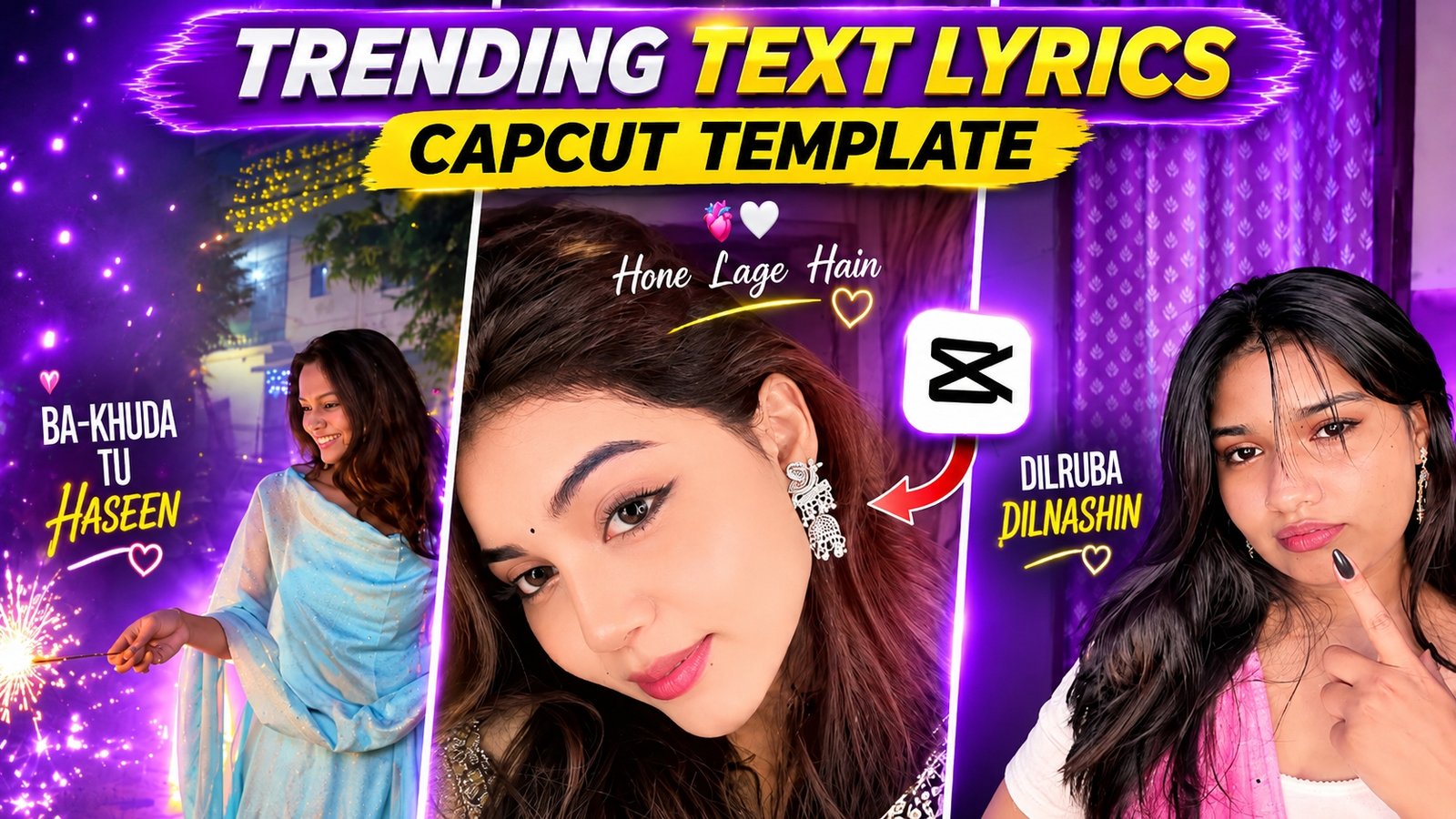
Text Lyrics Viral Reels CapCut Template – If you’re tired of seeing the same types of Reels on Instagram every day and want to try something new for your own videos, you’re going to love this lyrics edit. With this style, the song lyrics are displayed on the screen in an attractive way. Sometimes, the text moves in sync with the rhythm of the music, while at other times, its appearance changes through different fonts and animations.
The best part is that you can create a professional-looking Reel without much effort. This editing style becomes even more engaging when the lyrics bring the mood of the song to life. It creates a wonderful viewing experience. You can also make your video more special by adding your own beautiful photos or favourite video clips. These types of edits are especially suitable for men who want to make their content more stylish and different from ordinary videos.
VIEW TRENDING CAPCUT TEMPLATES
Text Lyrics Viral Reels CapCut Template
Hey! If you want to create Reels using your favourite songs with attractive lyrics animations, this post offers a variety of templates in different styles. Each template has its own design and text display style, so you can choose the one that best matches your preferences. Some templates display song lyrics in elegant fonts, while others use dynamic text animations that move in sync with the music. You can explore all these templates and create your Reel using the one you like the most. You don’t need advanced editing skills for this. Simply choose your favourite template from the options below, create an amazing video in just a few minutes, and share it on Instagram.
Details Of New Text Lyrics CapCut Template
Hey! This time, I have collected some amazing editing templates for you that can completely transform the look of your videos. Each template features a different text design, unique on-screen animations, and various background styles. Sometimes, white text against a dark background looks incredibly sharp, while colourful text can make the video even more attractive. I’ve also included different options below so you can easily open and try whichever template you like. Preview all the templates and choose the one that best matches the mood of your music. This way, you can create a great music video on your phone without much extra effort.
Latest Viral Lyrics Video Editing Trend 2026
Creating text-based music videos is becoming an increasingly popular trend in 2026. This is especially true of Instagram Reels, where even simple visuals can tell a complete story through song lyrics displayed on the screen. Many content creators are now focusing on these types of videos instead of creating only photo edits. It becomes even more interesting when the visuals change at an impactful moment in the music. If you want to try this trend, start by choosing a song that grabs people’s attention within the first few lines. Then, adjust the mood of your video to match the song. With the right colour combinations and perfectly timed transitions, your Reel can stand out from others.


Make Attractive Music Reels With Unique Font Styles
Hey! If you want your Reel to stand out and have a striking appearance, pay special attention to the text design. These days, simply adding a song to your video isn’t enough; the way its lyrics appear on the screen matters too. For instance, if you’ve chosen an energetic, attitude-themed song, a bold and edgy font can create a powerful effect. On the other hand, displaying the lyrics of a classic song in a vintage style can create a completely different atmosphere. In this post, I’ve included a few options featuring interesting text styles. You can choose the one you like most. Just make sure that every line is easy to read and that the entire video reflects your personal style.
How To Use Trending Text Lyrics CapCut Template
Hey! If you are creating this type of video for the first time, don’t worry at all. The templates I’ve provided in this post are quite easy to use. First, choose a design you like from the collection below. Then, tap the ‘Use Template’ option next to it to open the template in the CapCut app. Simply select the photos or video clips you want to use from your gallery. Next, tap ‘Preview’ to see how your edit looks. If everything looks good, tap ‘Export’ to save the video to your phone. This way, you don’t have to add lyrics manually, and you can create a Reel in your preferred style.
Add Your Favorite Photos And Videos With Song Lyrics
Now, it’s time to add your selected photos and video clips in the right places. You can choose pictures from your gallery in which you look your best and your poses are clear. You can also include photos taken on a bike, short videos from your travels, or memorable moments with friends. Try to match each image with the mood of the song. This can make the overall video more engaging. Also, avoid adding unnecessary photos just to fill up space; a few good-quality clips are enough. When you add the song lyrics to your selected scenes, the final video will look even more attractive.
Before You Go
Now you have a great opportunity to create something new using your favourite songs. I’ve shared a variety of templates in this article to help you find the right editing style. I hope you enjoy exploring all the available options! Try them out and choose the one you like most for your next Instagram Reel. If you find this information helpful, share it with your friends who love creating videos on their phones. I’ll continue bringing you more new and exciting editing templates like these!