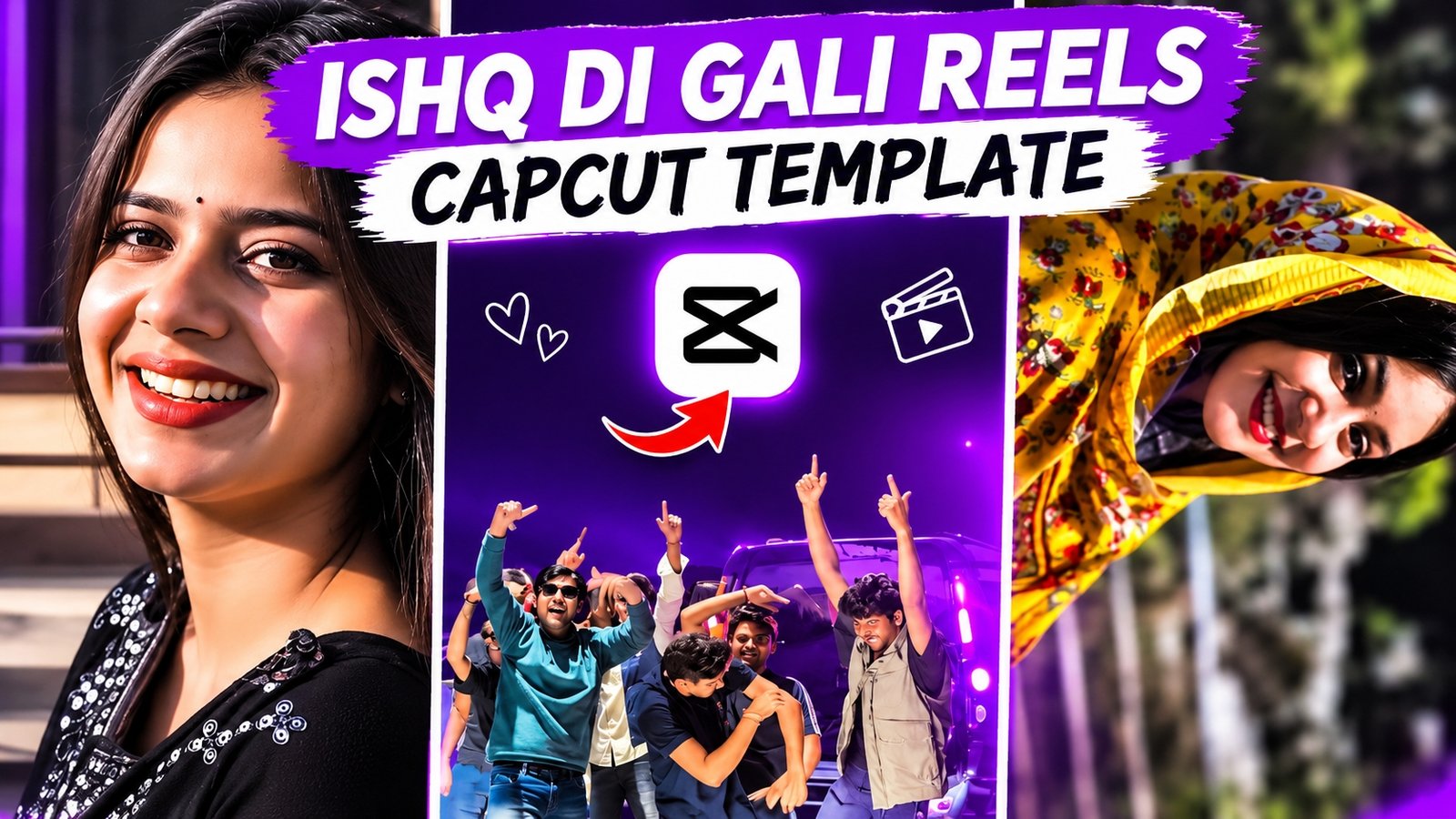
Ishq Di Gali Reels CapCut Template – Friends, if you want to give your Instagram Reels a unique and attractive look, I have an amazing editing style to share with you today. These days, videos featuring romantic songs are becoming increasingly popular on social media. In this editing style, each scene changes in sync with the rhythm of the song, making the entire video look more appealing. The best part is that you don’t need advanced editing skills to create this type of video. You can make it directly on your mobile phone in just a few simple steps. Below, I have shared the direct template link along with detailed instructions on how to use it, so you can easily create your own Reel.
VIEW TRENDING CAPCUT TEMPLATES
Details Of Ishq Di Gali Reels CapCut Template
This editing style features beautiful effects and lovely music. The photos and video clips change in sync with every beat of the song, making the entire video even more interesting. It includes a beautiful combination of slow-motion effects, soft colours, and smooth transitions. If you want to create a Reel featuring special moments spent with your partner or someone you love, you should definitely try this template. Simply choose your favourite photos and add them to the template. Your Reel will be ready to share on Instagram or other social media platforms.
Discover The New Ishq Di Gali Reels Editing Trend
Hey! Instagram Reels featuring romantic songs are becoming increasingly popular these days. People are using tracks like “Ishq Di Gali” to showcase their special moments in a creative way. This editing style combines short video clips with music to keep viewers interested throughout the video. If you have beautiful photos or memorable video clips on your phone, you can use them to create an amazing Reel. You don’t need any complicated settings for this. Just a little creativity is enough to turn ordinary photos and videos into something truly beautiful.
Add Smooth Transitions To Your Favorite Clips
Transitions are the most important part of making any reel look stunning. A well-executed transition between one scene and the next will make the whole edit look very professional. There are several great transitions in this design that are precisely matched to the beat of the music. You can make your reel look new by adding brief video clips you like. Ensure that each clip is clear and in the appropriate position. This will make your reel appear awesome and will assist it to catch people’s attention.
Bring Your Special Memories To Life With CapCut
We all have old photos and videos on our phones that can still make us happy today. Whether it’s time spent with friends or special moments with a loved one, you can turn these memories into a beautiful video. Combine your favourite photos with soothing music, beautiful filters, and attractive effects using CapCut. It gives your old memories a fresh new look. What’s even better is that you can turn your favourite moments into a memorable Reel without much effort.


How To Use Ishq Di Gali Reels CapCut Template
If you want to create this trending edit on your mobile phone, the process is quite simple.
-
Open the template link given below. It will take you to a CapCut page where you can find the Use Template option.
-
Tap Use Template and select the photos or video clips you want to use.
-
Tap Next and wait a few seconds while CapCut processes your selected files and generates the video.
-
Preview the video and make sure all the scenes are in the correct order.
-
Once you are satisfied with the result, tap Export to save your video. You can then share it on Instagram Reels.
Turn Simple Videos Into Beautiful Love Stories
We all have short video clips on our phones that may seem ordinary but can be combined to create a beautiful love story. All you need is a suitable song and some special moments. You can start with memories of when you first met and then gradually showcase the wonderful experiences you have shared together. Add a unique touch to your edit with subtle effects and romantic background music. Try to connect each scene with your story so viewers can also feel the emotions behind it. This way, you can turn simple memories into a beautiful and heartfelt video.
Save Your Edited Reels In High Quality
Video quality is something you should pay close attention to after editing. Sometimes, a Reel may look grainy even with excellent editing because of incorrect export settings. To avoid this, select a resolution of 1080p and choose either 30 FPS or 60 FPS when exporting your video in CapCut, depending on the frame rate of your original footage. The final video will look much clearer if your original clips are recorded in high quality. Once the video is exported, don’t forget to check it in your phone’s gallery. Also, when uploading to Instagram, make sure the “Upload at Highest Quality” setting is turned on. This will help you share your Reel with viewers in the best possible quality.
Share Your Ishq Di Gali Video On Instagram
Now that your “Ishq Di Gali” edit is complete, it’s time to share it on Instagram. Open the app, go to the Reels section, and select the video you have created. Then, add an eye-catching cover that grabs viewers’ attention. Write a short, romantic caption and include some relevant hashtags related to the song. Before posting, make sure the audio and video are properly synchronised. A creative and engaging Reel may encourage people to watch, like, and share your video.
Conclusion
So friends, I hope you found today’s information useful. If you want to showcase your special and memorable moments in a new and creative way, why not try something different this time? You don’t need to spend hours editing or learn complicated techniques to create a beautiful Reel. Simply select your favourite photos and add your own creative touch to make them special. I have explained the complete process step by step so that you can follow it without any difficulties. If you enjoyed this article, don’t forget to share it with your friends. Keep visiting our website for more exciting editing tips, tutorials, and updates.